
Essential Hardware Specifications
- Processor (CPU) and Memory (RAM) – A minimum of a 64-bit Dual Core processor (2.2 GHz per core) and 8 GB of RAM Capacity.
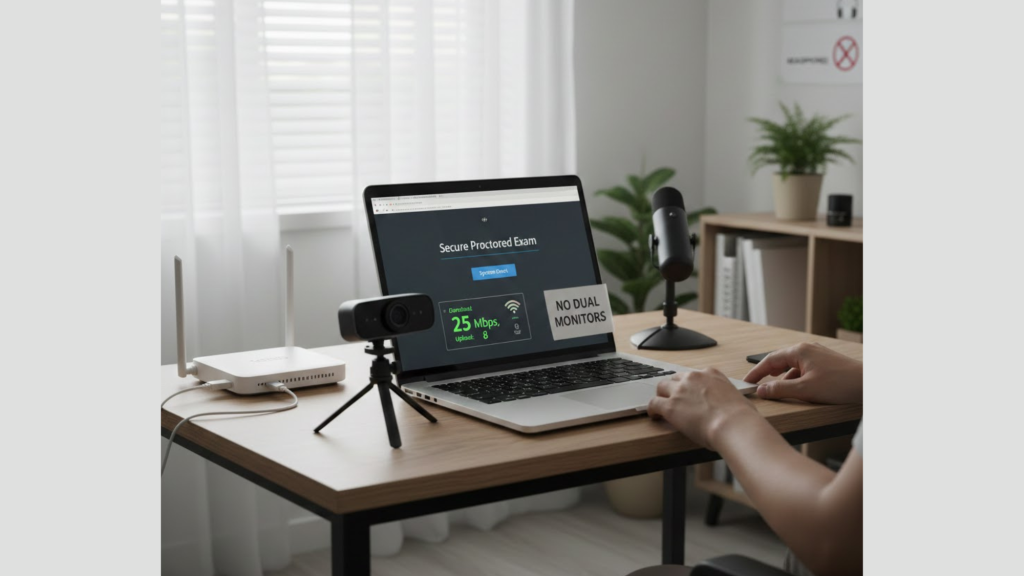
- Display – A minimum Monitor Resolution of 1024 x 768 pixels , some providers recommend 1366×768 for optimal visibility. Note testing organizations strictly prohibit the use of dual monitors, requiring only a single display to be connected and active.
- Peripherals – A functional Webcam and Microphone they are central to identity verification and session monitoring. A webcam resolution of at least 640x480p is standard to ensure the proctor can clearly verify your identity and surroundings. For desktop users, an external camera is often mandatory.
Operating System Compatibility
- Operating System (OS) – Windows 10 or Mac OS 11.0 are the minimum required for the proctor systems. Linux distributions may be supported by specialized certification bodies, but standard academic exams often do not support them.
- Browser – Google Chrome browser with dedicated proctoring extension is the standard choice..
- Prohibited Software – Virtual Machines (VMs), remote desktop applications and any active communication programs. Firewalls and VPNs must often be disabled prior to the exam start to ensure the proctoring software can establish and maintain an uninterrupted connection.
Connectivity and Environment
Stable internet connection is the most essential technical requirement.
- Internet Speed – For a stable exam session use 3MBPS TO 10Mbps upload and 20Mbps download speeds. Ethernet connections are highly encouraged over wifi and mobile hotpots.
- Device Limitations – The majority of online proctored exams cannot be taken on Mobile Devices such as tablets or cell phones. While some specific proctoring solutions may require a smartphone as a secondary camera, the main exam must be taken on a personal computer or laptop. Corporate or work-related computers are often problematic due to restricted administrative privileges and internal firewalls.
Successful participation depends on proactively confirming your machine meets the detailed system requirements for proctored exam as specified by your institution or certification body. Performing a system check well in advance of the test date is the surest way to prevent last-minute technical failure.